A project board fills up quickly. Someone adds a task, someone assigns a deadline, and the team starts moving cards. A week later, nobody agrees on whether the requested work is finished. The missing piece is often a shared definition of the result, rather than another status column.
Start with the work your team needs to deliver. Define the outcome, the person accepting the result, the resources available and the decisions requiring approval. Then choose software supporting those responsibilities. A tidy dashboard provides useful visibility only when the underlying records describe real commitments.
This beginner guide from Project Software Paradise explains a practical setup for a small project team. The examples are hypothetical planning exercises. They are not customer results, provider rankings or reports of hands-on product testing. Our editorial standards explain how we distinguish documented features from research and direct experience.
In this guide
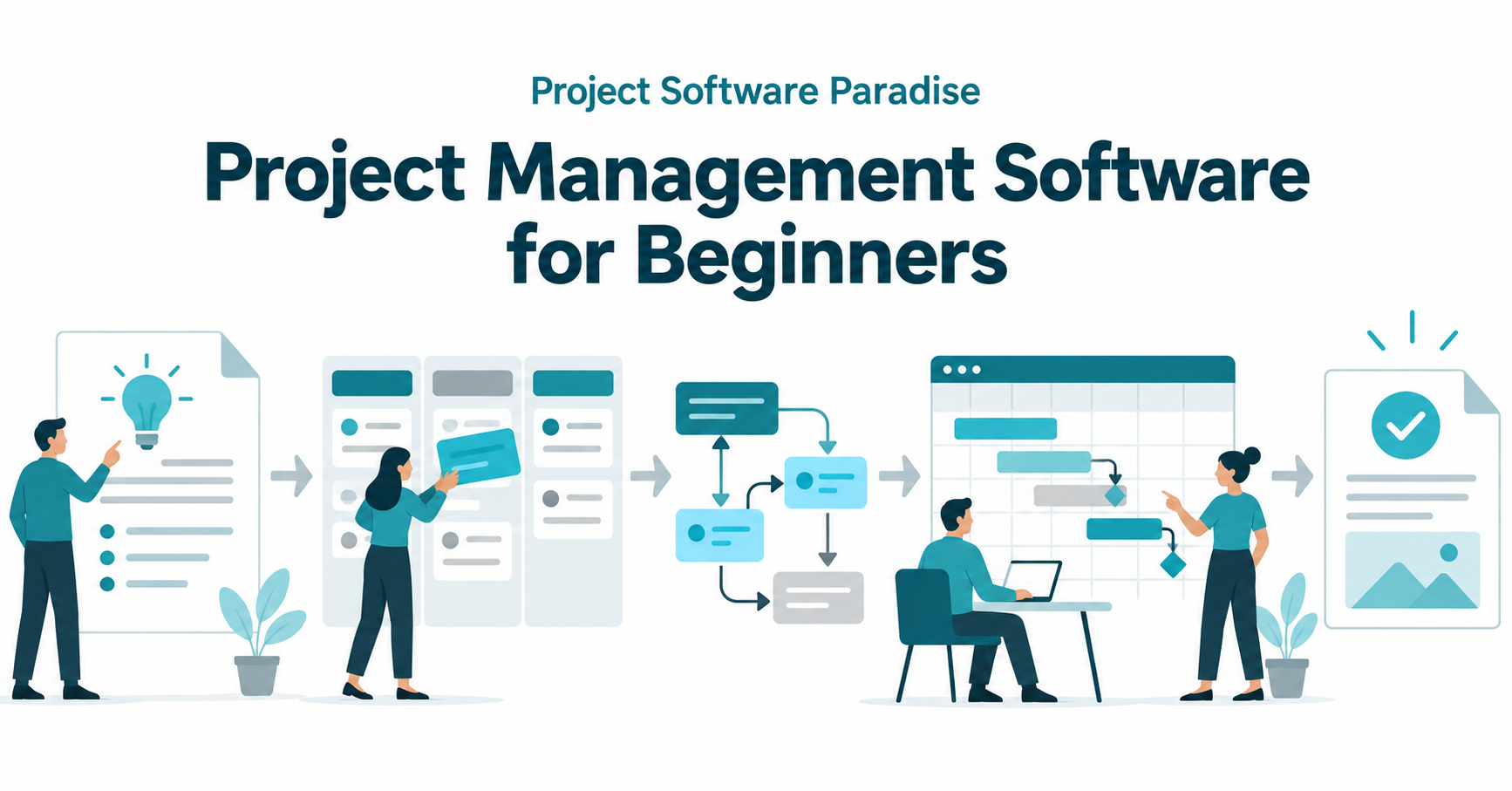
- Define the project before choosing a workspace
- Turn an outcome into reviewable deliverables
- Build tasks around clear responsibility
- Choose statuses your team understands
- Map dependencies before promising dates
- Separate effort, duration and availability
- Pick views supporting different decisions
- Keep decisions and changes visible
- Work through a hypothetical implementation
- Compare products with a demonstration checklist
- Run a small pilot with sample records
- Protect project information and plan for handover
- Common beginner questions
Define the project before choosing a workspace
A project should have an intended result and a clear boundary. Replacing your company's support knowledge base differs from answering support tickets every day. The replacement has deliverables and acceptance requirements. Daily ticket handling is an ongoing operation, even when both activities appear in the same application.
Write a short project brief before setting up the board. Include the problem, intended result, project owner, approver, important constraints and work excluded from the assignment. Keep the language understandable to someone joining the team later. Acronyms and internal shorthand hide disagreements until a handoff fails.
PMI's explanation of the project manager's role identifies scope, goals and stakeholder communication among the responsibilities involved. Use those areas as questions for your brief. Who decides the scope? Who needs progress updates? Who approves a changed commitment?
Store the agreed brief where the team sees the current version. Link the project record to the document and identify its owner. If the brief changes, record the decision rather than silently replacing yesterday's expectations. Software should preserve a usable history of decisions, not require people to remember every conversation.
Turn an outcome into reviewable deliverables
An outcome describes the intended change. A deliverable describes something the team produces. For a hypothetical customer onboarding project, the outcome might be a consistent onboarding process. Deliverables might include an approved checklist, customer email sequence, staff instructions and a tested handoff to account management.
Give each deliverable acceptance criteria. For example, the onboarding checklist needs a named owner for every step, a place to record completion and instructions for an incomplete customer application. Those criteria are more useful than calling the checklist polished or comprehensive. A reviewer needs observable conditions for accepting the work.
Identify exclusions beside the included work. A new onboarding sequence does not automatically include rewriting every sales page or rebuilding the billing system. New requests still deserve consideration, but they require a decision about time, cost and responsibility. A comment on a task should not become an invisible expansion of the entire project.
Separate producing work from accepting work. The writer marks the draft ready for review. The reviewer either accepts the deliverable or records a specific correction. A task labeled Done without an acceptance process gives the producer and requester different interpretations of the same status.
Build tasks around clear responsibility
A task needs an action, an owner and a completion condition. Compare Update onboarding with Review the onboarding checklist against the five approved service packages. The second instruction tells the owner which work to perform and gives the reviewer a starting point for checking completion.
Assign one person responsibility for moving a task forward. Several people contribute, but shared ownership without a coordinator often leaves everyone waiting. Record collaborators separately. If the responsible person is unavailable, identify who takes over and update the assignment visibly rather than relying on a private message.
Keep tasks small enough for meaningful progress updates. A six-week task named Implement the system hides research, configuration, testing and training inside one record. Break the work into reviewable pieces with their own evidence. Avoid creating hundreds of tiny records for routine actions nobody needs to coordinate.
Include supporting information close to the task. Link the relevant brief, approved files and decision notes. State which version the owner should use. Attachments named final, final-new and final-approved leave readers guessing. A consistent naming convention and one authoritative file location prevent avoidable rework.
Choose statuses your team understands
Begin with a short workflow such as Planned, Ready, In Progress, In Review and Accepted. Define the condition for entering each stage. Ready means the task has an owner, adequate instructions and available inputs. In Review means a specific person has received work suitable for assessment.
Blocked needs an explanation and an owner for the next action. A red label alone does not tell the team whether they need a customer decision, missing access or a corrected source file. Record the dependency, the person following up and the next expected update. Avoid leaving stalled work in In Progress indefinitely.
Accepted should reflect the project's stated criteria. For a configuration task, evidence might include a test record and reviewer approval. For a writing task, evidence might include the accepted document URL. Completion evidence makes later handoffs easier without demanding a long report for every small action.
Test the workflow with sample tasks before importing all existing work. Ask two team members to classify the same example. If they choose different statuses, revise the definitions. Adding more columns rarely fixes an unclear distinction between ongoing production and review.
Map dependencies before promising dates
A dependency connects work requiring another activity or input. A designer needs an approved brief before finalizing a layout. A reviewer needs the draft before assessing the copy. Those relationships explain why moving one deadline affects other commitments.
Atlassian's guide to project dependencies provides an overview of sequencing relationships. For a first project, start by identifying work waiting for another task to finish. Record the predecessor and the person responsible for confirming the handoff.
Distinguish a dependency from a convenient preference. Two tasks might share a subject without requiring a strict sequence. Unnecessary links make a schedule rigid. Missing genuine links produces dates assuming unavailable inputs. Discuss uncertain relationships with the people performing the work rather than guessing from task names.
Review dependencies when a task changes. If a customer approval is late, update the affected work and communicate the revised expectation. A scheduling engine calculates from its inputs. Incorrect effort estimates, missing dependencies and unrealistic working calendars still produce an unreliable plan.
Separate effort, duration and availability
Effort describes the work required. Duration describes elapsed working time. Availability describes when the assigned person has capacity. A task requiring four hours of focused work does not necessarily finish tomorrow if its owner has existing commitments and a review meeting occupies the afternoon.
Use estimates as planning information with a stated level of uncertainty. A familiar document update and a first-time integration deserve different confidence levels. Record assumptions such as access arriving on Monday or a reviewer responding within two working days. Those assumptions belong in the plan because they affect the commitment.
Look at the person's workload across projects before assigning overlapping deadlines. A board limited to one project hides obligations elsewhere. Ask the team to confirm available capacity and important absences. Avoid interpreting an empty calendar as proof someone has no other work.
Choose a reasonable review cadence. Frequent enough updates expose a developing problem before the deadline passes. Excessive reporting takes time away from delivery. For a small team, a consistent written update and a focused weekly review provide a starting point to adjust based on actual project needs.
Pick views supporting different decisions
A task list supports detailed ownership and due-date reviews. A board makes workflow stages visible. A timeline helps explain sequence and dates. These are views of related work, not separate competing project plans. Keep the underlying records consistent when people switch between views.
Choose the view based on the question. A manager asking which approvals are outstanding needs a review queue. A coordinator evaluating a delayed predecessor needs dependencies and dates. A stakeholder requesting the current commitment needs a short milestone summary rather than every checklist item.
Microsoft's premium Planner capability guide illustrates how features such as timelines and advanced dependencies are associated with particular plans. Treat this as a demonstration of why plan-level verification matters. Do not assume a product name establishes every feature included in your subscription.
During software evaluation, ask the provider to demonstrate the views your team needs using sample records. Record the exact plan, permission requirements and limits. Avoid importing private customer or employee information merely to make a sales demonstration look realistic.
Keep decisions and changes visible
Project discussions produce decisions affecting scope, dates and cost. Store the accepted decision beside the relevant work and identify the approver. A conversation thread with twenty suggestions is not an agreed instruction. Summarize the chosen direction and link to supporting context.
Use a simple change record for requests affecting an approved commitment. Include the requested adjustment, reason, estimated effect, decision owner and outcome. A small correction often needs only a short note. A new deliverable deserves a more deliberate assessment before anyone promises delivery.
Show what the team is waiting to decide. A project marked green while an essential approval remains unresolved gives stakeholders the wrong picture. Distinguish work progress from decision readiness. An unfinished approval is a real dependency even when the production tasks are on schedule.
Keep a record of rejected changes when the reason helps future work. The same request often returns with different wording. A concise explanation prevents repeated debate and helps a new team member understand the project boundary. Avoid using the decision log to record personal criticism or unrelated private information.
Work through a hypothetical implementation
Consider a small consulting team replacing its scattered client onboarding instructions. The project owner defines four deliverables: an agreed onboarding checklist, standard email templates, internal role instructions and a tested sample onboarding. A service manager will accept each deliverable against written criteria.
The coordinator creates tasks for reviewing the current process, drafting the checklist, reviewing the draft, preparing templates and running the sample. Each record has an owner and links to relevant materials. The sample waits for the checklist and templates to receive approval.
During review, the service manager requests a separate path for enterprise customers. The coordinator records a change request rather than silently adding more tasks to the existing deadline. The owner assesses the extra work and agrees to include the enterprise path in a later phase.
The first sample exposes an unclear handoff between sales and account management. The task returns to revision with the missing responsibility described. The accepted deliverable now includes the responsible role and confirmation step. The workflow records why the task moved backward without describing the project as a failure.
At completion, the coordinator links the accepted files, records the remaining later-phase request and assigns ownership for ongoing maintenance. This example illustrates a planning routine. It does not establish a promised implementation time, productivity improvement or result from any particular software.
Compare products with a demonstration checklist
Write requirements before comparing interfaces. Start with one ordinary project and two realistic exceptions, such as a late approval and a reassigned owner. Ask each provider to demonstrate those scenarios using the plan you would purchase. Record missing features and additional implementation work explicitly.
| Requirement | Demonstration to request | Evidence to retain |
|---|---|---|
| Task ownership | Assign work and transfer responsibility | Roles and notification behavior |
| Acceptance | Send work for review and request a revision | Status rules and approval history |
| Dependencies | Delay a predecessor and inspect affected dates | Link types, scheduling behavior and plan |
| Capacity | Assign overlapping work across two projects | Workload visibility and working calendars |
| Permissions | Invite a sample external reviewer | Records visible to the guest |
| Exit process | Export sample tasks, comments and attachments | Formats, limits and cancellation conditions |
Include administration in the comparison. Someone needs to maintain templates, remove departed users and resolve access problems. A feature-rich application requiring more administration than your team supports introduces its own delays. Account for training, migration and ongoing ownership alongside subscription cost.
Check pricing directly before purchase. Confirm billing period, required seats, guest policies, storage limits and optional features. A remembered headline price does not establish the total for your team. Save the provider page and date with the assessment so a later reviewer understands the basis of the estimate.
Run a small pilot with sample records
Choose one manageable project for the pilot. Document the current process first, including how work is assigned, where decisions live and who reviews completion. A baseline gives the team something specific to evaluate. Avoid changing every workflow and reporting practice at once.
Test exceptions before a broad rollout. Reassign an owner, reject a draft, postpone an approval and remove a sample guest. Confirm the intended people receive updates and unrelated information stays private. Check the mobile experience if team members rely on phones for reviewing or updating work.
Keep one issue list with a responsible owner and next action. Separate missing training from an incorrect setting or absent feature. A user misunderstanding a filter differs from an application lacking required permissions. Those problems require different responses and should not become interchangeable complaints.
Review the pilot against specific questions. Were task instructions complete? Did reviewers know what needed attention? Were decisions recorded? Did blocked work have a follow-up owner? A short trial with a cooperative sample team does not prove a company-wide productivity gain.
Protect project information and plan for handover
Projects often contain customer details, financial estimates and internal decisions. Give each role access to the records needed for its work. Test guest visibility using sample information before inviting outside reviewers. A workspace label is not proof every linked document has matching permissions.
Decide where confidential documents belong. Links to properly controlled files often provide clearer ownership than repeated attachments across tasks and comments. Review retention, exports and account removal with the responsible administrator. Keep private credentials out of task descriptions and public discussion threads.
At project completion, identify the authoritative deliverables and their maintenance owners. Archive obsolete drafts through a recoverable process when appropriate. Confirm the receiving team knows where instructions live and how to request a correction. A project is not operationally finished merely because all cards have reached the last column.
Record unresolved requests separately from accepted work. Assign each follow-up an owner, priority and decision date. Future readers should understand whether the project delivered its agreed scope and which additional improvements were postponed. Clear handover prevents the next team from restarting an already settled discussion.
Common beginner questions
Do you need a complex application for a small project?
Start with the coordination requirements. A small project with few dependencies often needs a clear brief, responsible owners and a reliable review process. More advanced scheduling becomes useful when sequencing, capacity and cross-project commitments require stronger visibility. Evaluate the work before choosing the feature list.
Should every team use the same board template?
Use shared definitions where consistency helps, such as ownership and acceptance. Adapt the workflow when the work has different review or approval needs. A template provides a starting point. Test its assumptions before treating every column and required field as permanent.
How often should people update tasks?
Agree on updates matching the project's pace and risks. Significant changes, blocked work and completed handoffs need timely records. A weekly reporting requirement does not justify hiding a serious delay until Friday. Avoid demanding constant activity updates unrelated to a useful decision.
What should you research after the first setup?
Use your pilot questions to choose the next topic. Compare documented permissions, review workflows, dependencies, integrations and export options against actual requirements. The Blog will collect further project-software guides. Send a specific process question through our contact page, and read the affiliate disclosure as commercial coverage develops.

Trevor Fenner publishes software research and practical business workflow guides. Project Software Paradise distinguishes documented capabilities, hypothetical examples and direct testing. Read the editorial standards for the research process.